
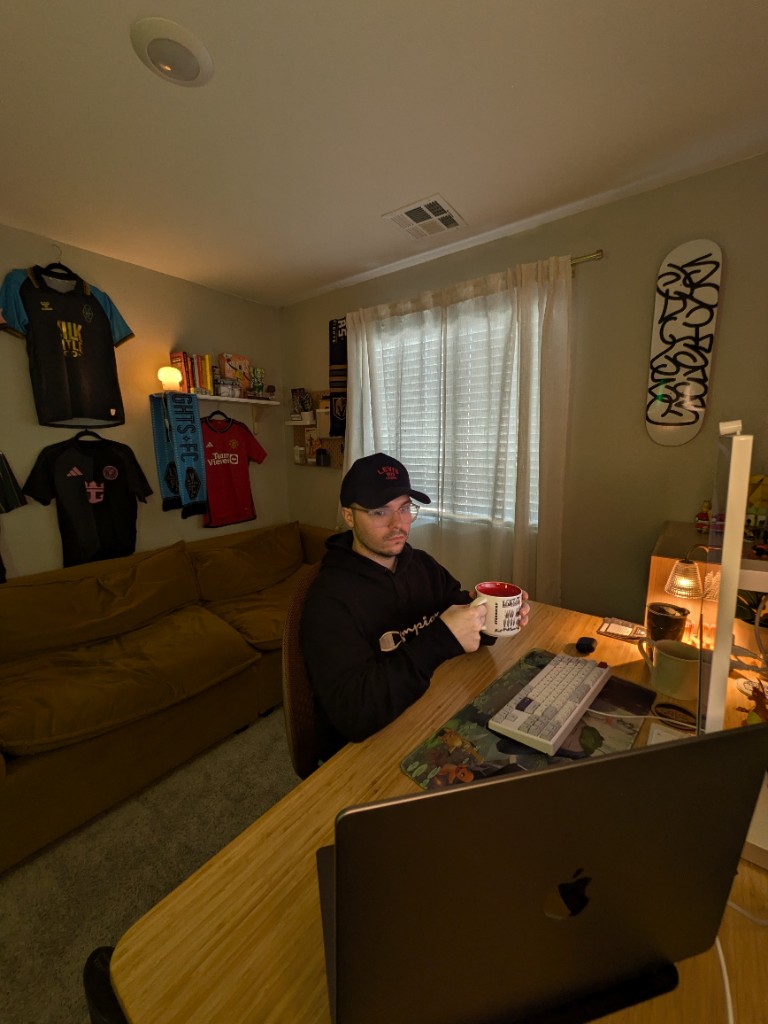
Jacob Olenick smiling in his home office with soccer memorabilia and a peace sign

Great first week at my new gig with Lilly through Creative People.

Week one on the Lilly Design System—already impressed by the team and grateful I chose this offer.

Apr 23, 2026

I started my new gig this Wednesday with Eli Lilly through Creative People. I'm so impressed with the team already and feel so blessed and thankful and happy I took this offer over others.

I'm excited to be designing the Lilly Design System and have a say and to be able to contribute to the look and feel of Lilly sites and products.

Week 1 down and many more to go.

Jacob Olenick smiling in his home office with soccer memorabilia and a peace sign

I'm building a free product. An Agentic Design System called Espresso UI.

Giving back, growing the brand, and shipping a Figma-first system with Claude Code and Figma MCP—alongside students from Design XP.

Apr 6, 2026
Why would I build this for free! I want to give back and build my brand up. This has been a dream of mine since 2020. My pal, Joey Banks inspired me. Now in 2026 I'm working on it with a few students from Design XP and design school that helps give students real world experience.

We are building this from scratch in Figma and using Claude Code and Figma MCP to translate it into an Agentic Design System.

Espresso UI documentation site showing overview, foundations, and components
DesignOps Studio branding portrait

I'm starting something new

A Design Systems Studio—0 → 1 systems for startups, from Figma to production-ready agentic design systems with Claude.

Apr 4, 2026

We're building a first of its kind Design Systems Studio.

0 → 1 Design Systems for Startups.

We start in Figma and then implement it into a production-ready Agentic Design Systems using Claude.

Then, anyone on your team can ship production-ready UI with ease using your company's own custom Design System.

Creative People logo

I'm stepping into a new design system role at Lilly

From CVS Health and the Rhythm Design System to Creative People, placed on Eli Lilly—Super IC and Senior Product Designer on the Lilly Design System.

Apr 2, 2026
After spending a year and a half at CVS Health working on the Rhythm Design System and the Pharmacy software, I'm now stepping into a new season of my career as a Super IC, Senior Product Designer working on building and maintaining the Lilly Design System through Creative People (placed on Eli Lilly).

I'm very excited for this next chapter of my career and to continue to work on the healthcare space of tech.

Jacob Olenick at his workspace

I've Stepped into a New Role as a Design Systems Advocate at Work

Bridge for product designers and the design system—still designing screens and UX flows while advocating for the Rhythm Design System.

Feb 12, 2026
I'm excited to be the bridge for our product designers and our design system. Although I'm in this new role, I'm still in the field designing screens and UX flows.

My new role I'm not only on our Product Design team, I'm also back on our Design Systems team.

I'll be the liaison between the two teams. I'll be advocating for the use of our Rhythm Design System and making sure the system is being used properly.

Colorize It – Color and variable generator based on popular UI frameworks

I've Built a Figma Plugin that Allows Me to Create Variables in a Second From Top UI Libraries.

Building Colorize It to add color variables from Tailwind, Shadcn, Bootstrap, and more—with one click and automatic dark mode variables.

Feb 12, 2026
I've built Colorize It out of a need. I couldn't find a plugin that did exactly what I needed it to do in order to save so much time in my design system builds.

So I built it.

I made a feature where you can choose between a few of the top most popular UI libraries like, Tailwind, Shadcn, Bootstrap, etc.

With a click of a button you can add the previewed colors to your variables table and what's cool is they automatically create the dark mode variables as well.

Give Colorize It a try →

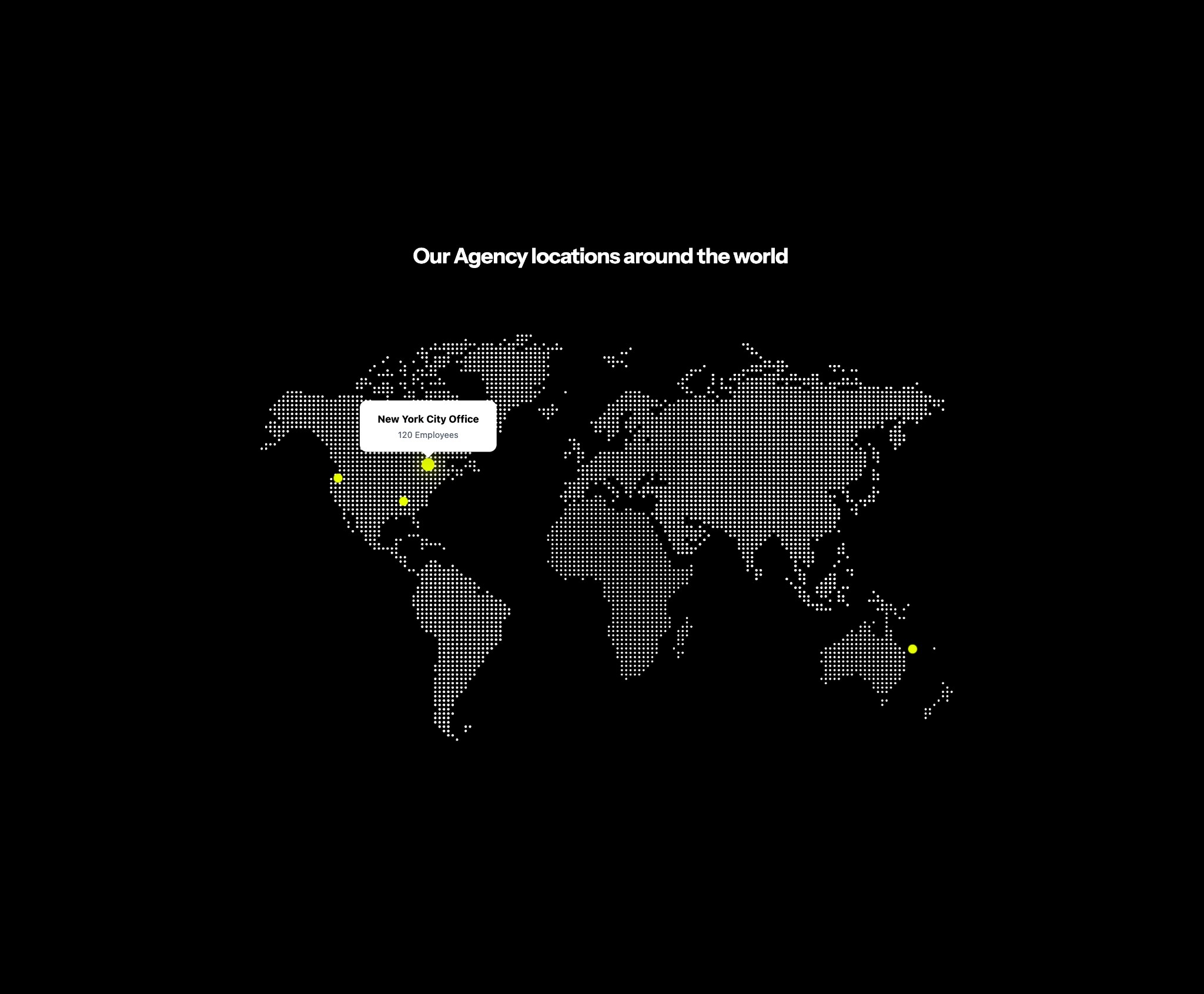
Figma Make interactive map component

Building Figma Make Components for Others

Exploring how to turn Espresso UI components into Figma Make components for the community, plus interactive components like maps for designers to use.

Feb 11, 2026
I've recently been exploring how to turn my components from my UI Kit Espresso UI, I'm currently in the process of designing into components others can use in Figma Make.

I've successfully made some of the components and have them on my Figma Community page for remixing. Check it out here: Interactive Location Map on Figma Community →.

I've also played with making cool interactive components like this map that designers could place into their websites.

I'm starting to really enjoy Figma Make and I feel it's the future of design systems. I know many teams, including my own, that are having their design systems designers use AI—like Make, V0, and Cursor.

Design workspace

I Got Better as a Design Systems Designer When I Built Free UI Kit

How building UI kits in my free time made me an expert in Figma and a better teacher for my product design team.

Feb 11, 2026
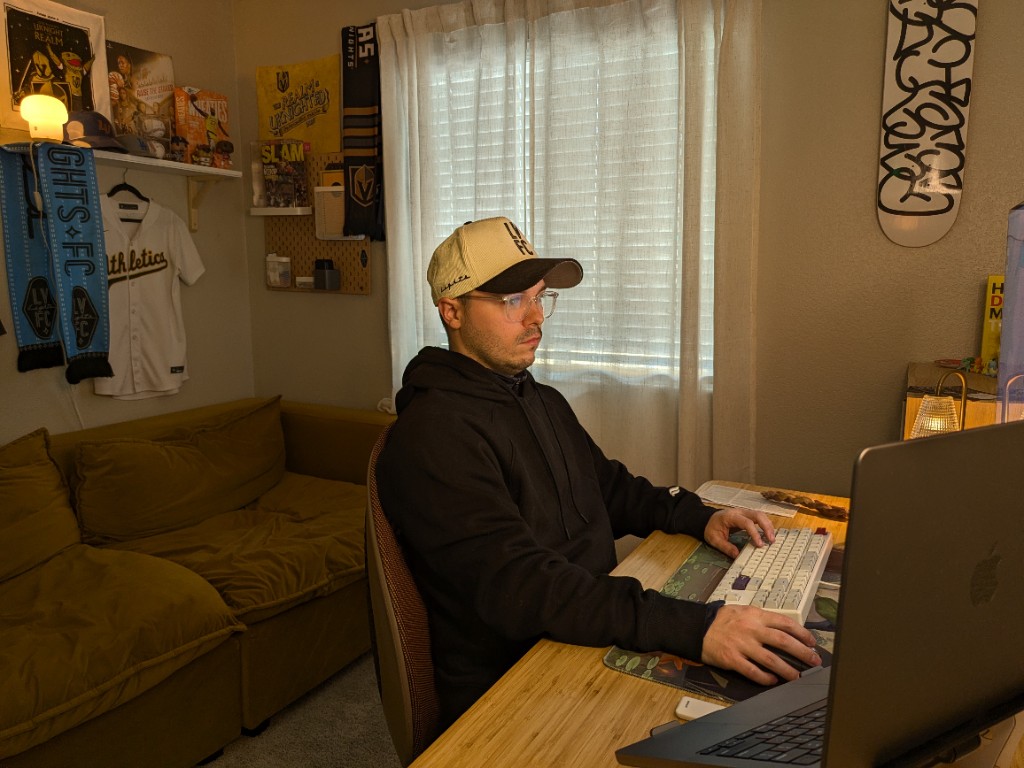
I really started understanding Figma much more and really became an expert of the tool once I started designing and building my own UI kits in my free time.

I was able to push the limits of Figma, try new things without guardrails and design for what I would need.

It made me perform better at work and be able to teach other designers on my product design team as a whole how to use our components, and build their screens with precision.

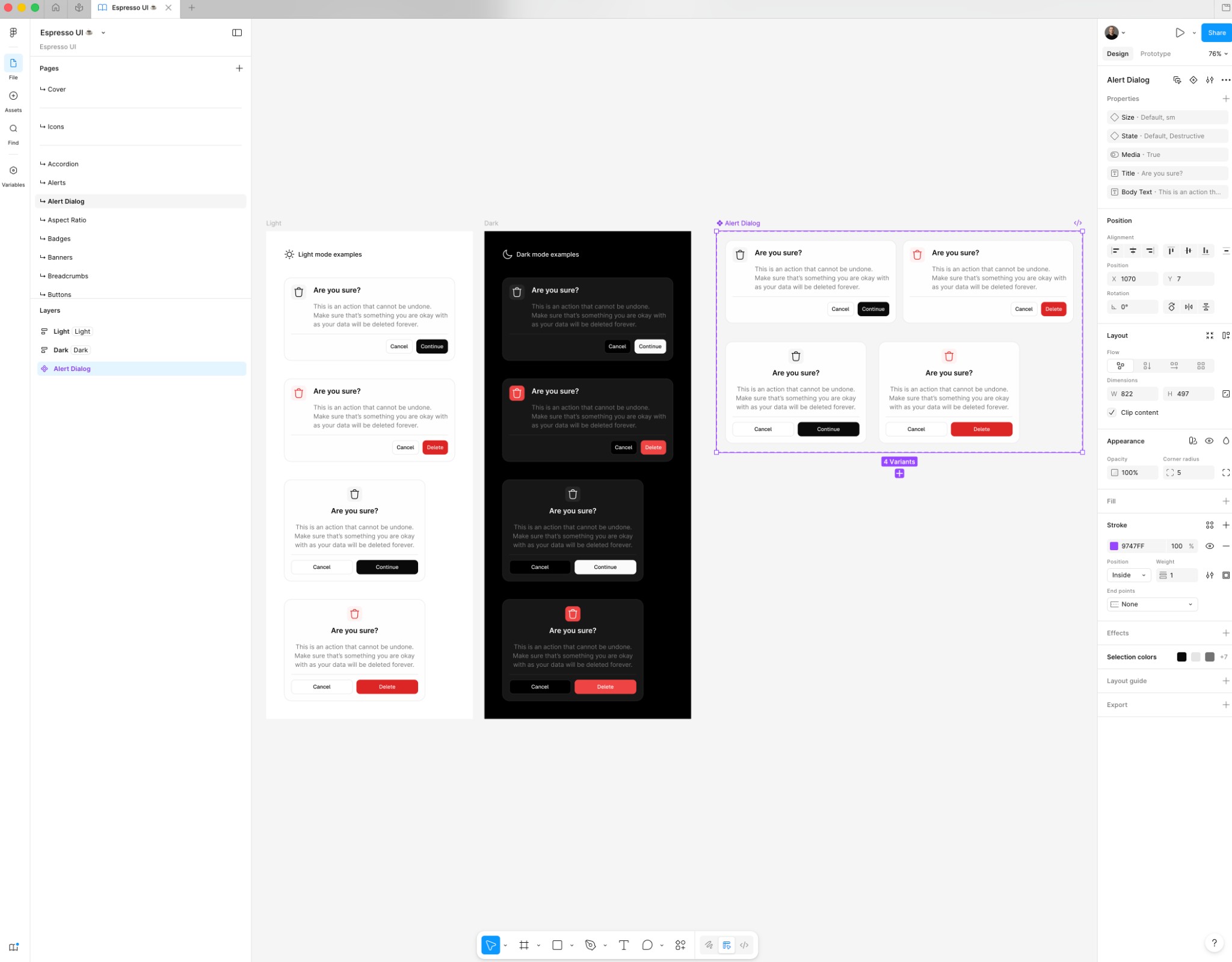
Espresso UI Alert Dialog component in Figma

Building Scalable Design Systems

Exploring the key principles and best practices for creating design systems that can grow with your organization.

Nov 15, 2025

Creating a design system that scales requires thoughtful planning and a deep understanding of your organization's needs. It's not just about building components—it's about creating a living ecosystem that evolves with your product.

One of the most important lessons I've learned is to start small and iterate. Don't try to build everything at once. Focus on the most commonly used components and patterns first, then expand as you understand how teams are actually using the system.